Dynamics 365 Business Central Analytics for Clear Financial Visibility

Metrixs delivers Dynamics 365 Business Central analytics with Power BI dashboards, standardized KPIs, and near real time reporting.

What Makes Metrixs Different for Business Central Analytics

Pre-Built Business Central Dashboards

Access ready-to-use Business Central dashboards designed for finance and operations reporting.

Power BI-Ready Analytics Models

Use Power BI Business Central datasets optimized for performance, accuracy, and scalability.

Standardized KPI Reporting

Track financial and operational metrics using a consistent Business Central KPI dashboard.

Near Real-Time Insights

Enable near real time reporting Business Central teams rely on for faster decisions. Used by teams across finance, retail, and distribution

Built specifically for Business Central reporting needs

Dynamics 365 Business Central Analytics Built for Scale

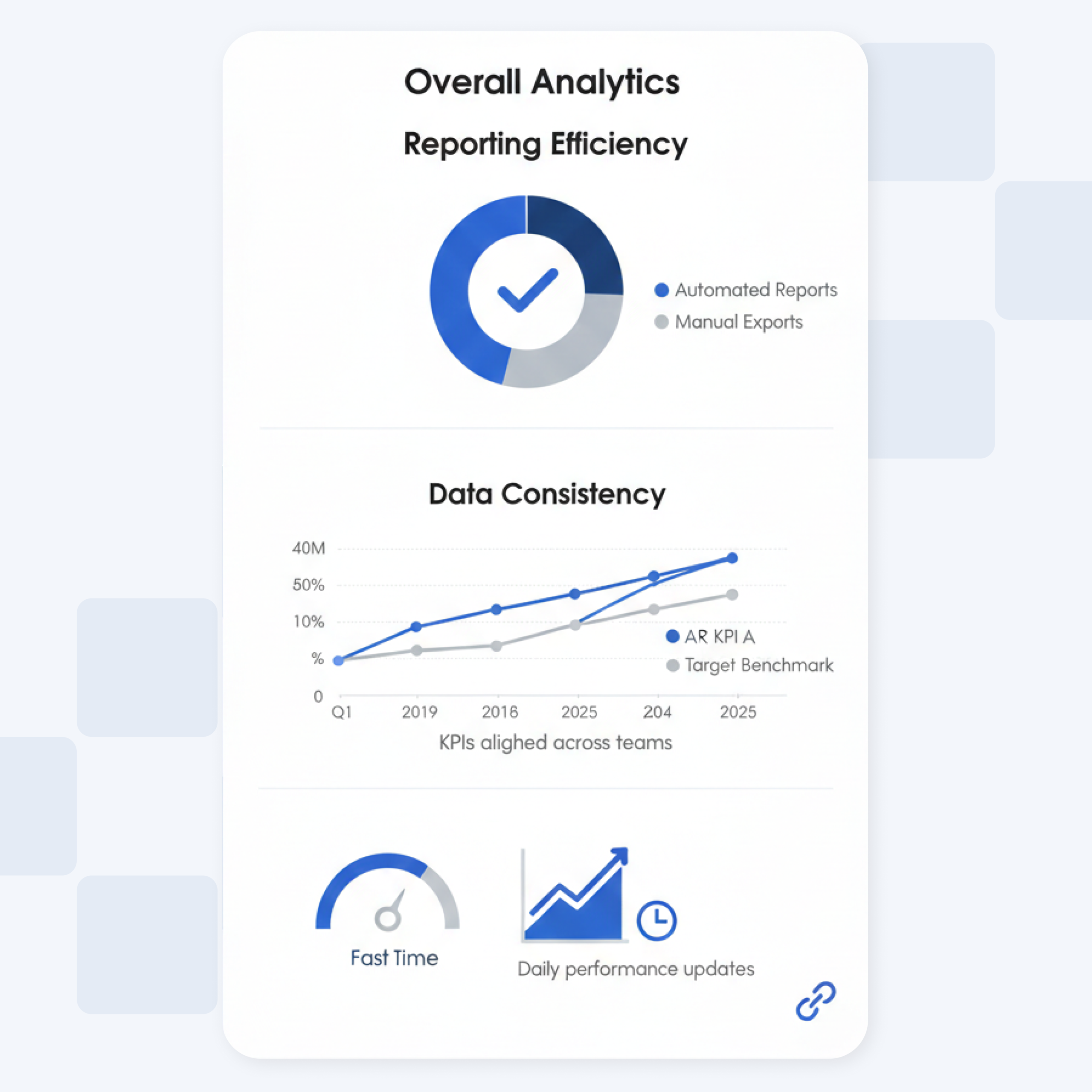
Metrixs delivers faster reporting and scalable dashboards for Dynamics 365 Business Central without complex ERP customization.

Out-of-Box Reporting

Predefined views that reduce manual exports and spreadsheet reliance.

Consistent Power BI Dashboards

Standardized definitions so KPIs match across teams and reports.

Trusted Financial Reporting

Validated calculations for revenue, margins, cash flow, and aging analysis.

Near Real-Time Insights

Track daily performance without slowing transactions.

A simple, low-disruption analytics rollout

How Dynamics 365 Business Central Analytics Is Activated

Metrixs activates Dynamics 365 Business Central analytics without ERP changes, so teams can start using dashboards and reports quickly, typically within almost 4 weeks.

Business Central data normalization
Raw data standardized into analytics-ready structures for consistent reporting.
Historical trend readiness
Data prepared for period comparisons and long-term trend analysis.
F&O KPI alignment
Metrics aligned across functions so one dashboard reflects accurate performance.
User-ready reporting access
Role-based Power BI access supporting secure and scalable adoption.

A defined setup scope for reporting outcomes

Dynamics 365 Business Central Analytics Implementation Coverage

The implementation activates Dynamics 365 Business Central analytics and Dynamics 365 Business Central reporting through secure data access and dashboard readiness.

Business Central financial reporting setup

Configure core Business Central financial reporting views and calculations so finance teams can track performance consistently across periods.

Power BI Business Central dashboard deployment

Deploy Power BI Business Central dashboards and datasets with governed access, enabling scalable adoption across users and roles.

Frequently Asked Questions

Dynamics 365 Business Central analytics turns day-to-day transactions into decision-ready insights for finance and operations. With Business Central analytics, teams move beyond basic lists and exports to structured KPIs and trends. Metrixs supports consistent analysis across departments using governed Business Central dashboards and standardized metrics. This helps teams spot issues early and act faster with reliable reporting.

Metrixs strengthens Dynamics 365 Business Central reporting by providing a dedicated analytics layer built for scale. Instead of manual Excel-based reporting, teams get consistent definitions across Business Central reporting and dashboards. Finance and operations can track performance using a standardized Business Central KPI dashboard that stays consistent across users. This reduces reporting rework and improves confidence in numbers.

Metrixs enables Power BI Business Central dashboards by preparing analytics-ready datasets designed for interactive exploration. Teams can use Business Central Power BI reports to drill into finance and operational drivers without rebuilding models repeatedly. This approach supports consistent Business Central dashboards across teams and avoids fragmented report versions. The result is faster analysis and clearer visibility across departments.

Yes. Metrixs supports Business Central financial reporting with standardized calculations for core finance views such as revenue, margins, cash position, and receivables. These finance views roll into a consistent Business Central KPI dashboard so stakeholders see the same numbers. It also improves Dynamics 365 Business Central reporting quality by reducing manual reconciliation and version mismatches across reports.

Yes. Metrixs supports near real time reporting Business Central teams can use for faster visibility into daily performance. Instead of waiting for end-of-day exports, dashboards refresh frequently so leadership can react to changes sooner. This also improves adoption of Business Central reporting and dashboards, because teams trust that the latest operational and financial updates are reflected quickly.

Yes. Metrixs supports reporting needs for teams coming from legacy environments such as Dynamics NAV reporting, especially when upgrading or aligning reporting practices. It helps standardize reporting output and ensures consistent dashboards across functions. Teams can also extend reporting using Power BI reports in Business Central once they are on Dynamics 365, without rebuilding everything from scratch.

Yes. Metrixs standardizes Dynamics 365 Business Central reporting by aligning calculations and definitions across Business Central analytics outputs. Auditors can review consistent numbers from the same reporting layer instead of reconciling multiple spreadsheets. This improves reliability in Business Central financial reporting and reduces variation across Business Central Power BI reports. Teams can also maintain consistent evidence trails through controlled access and repeatable reporting views.

Yes. Metrixs delivers Business Central dashboards with role-based access, so teams consume insights without handling raw tables or exports. Departments can use Power BI Business Central views tailored to finance, sales, operations, and leadership. This approach strengthens Business Central reporting and dashboards by keeping KPIs consistent across teams and reducing report duplication. It also improves adoption because users focus on decisions, not report building.

News & Blog

Dynamics 365 Business Central Analytics
Resources

See Dynamics 365 Business Central analytics in action

Get a guided walkthrough of dashboards, KPIs, and reporting built for your Dynamics 365 Business Central environment.